
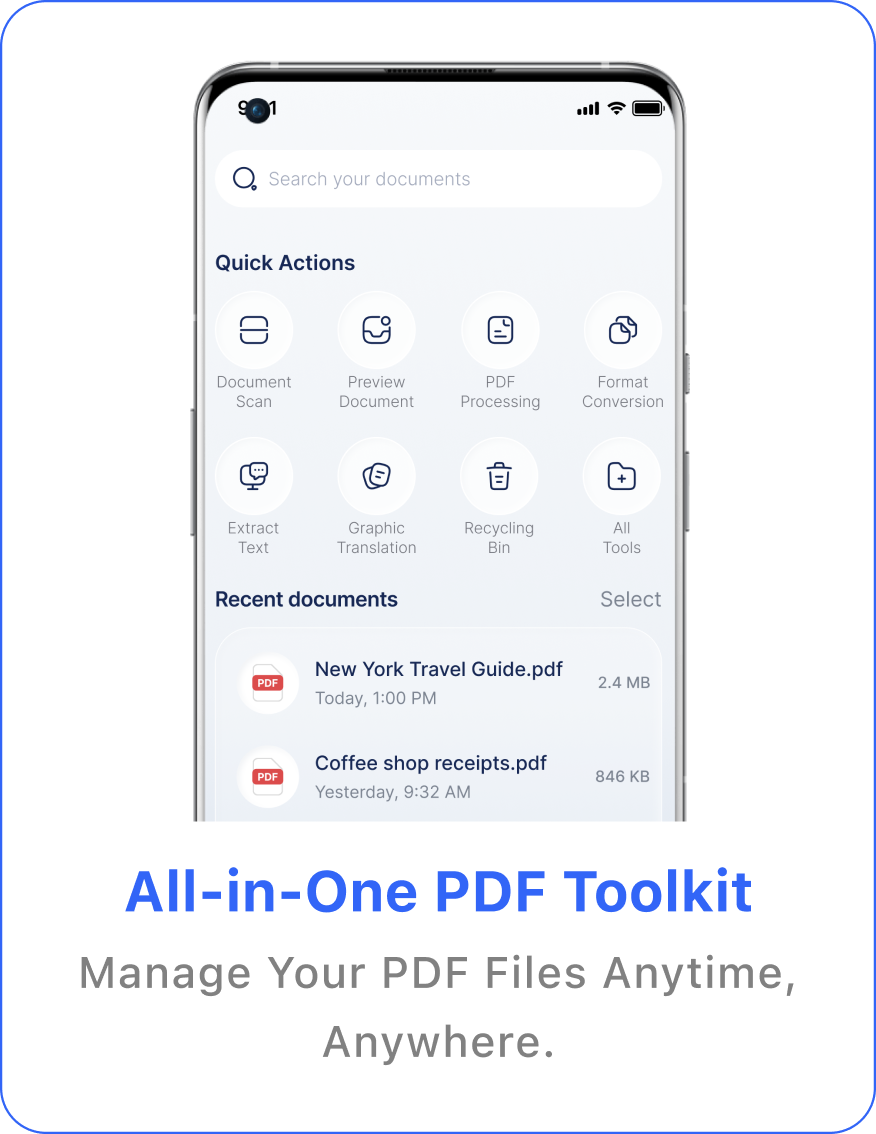
Your document toolkit for iPhone
Scan, edit, and understand every PDF.
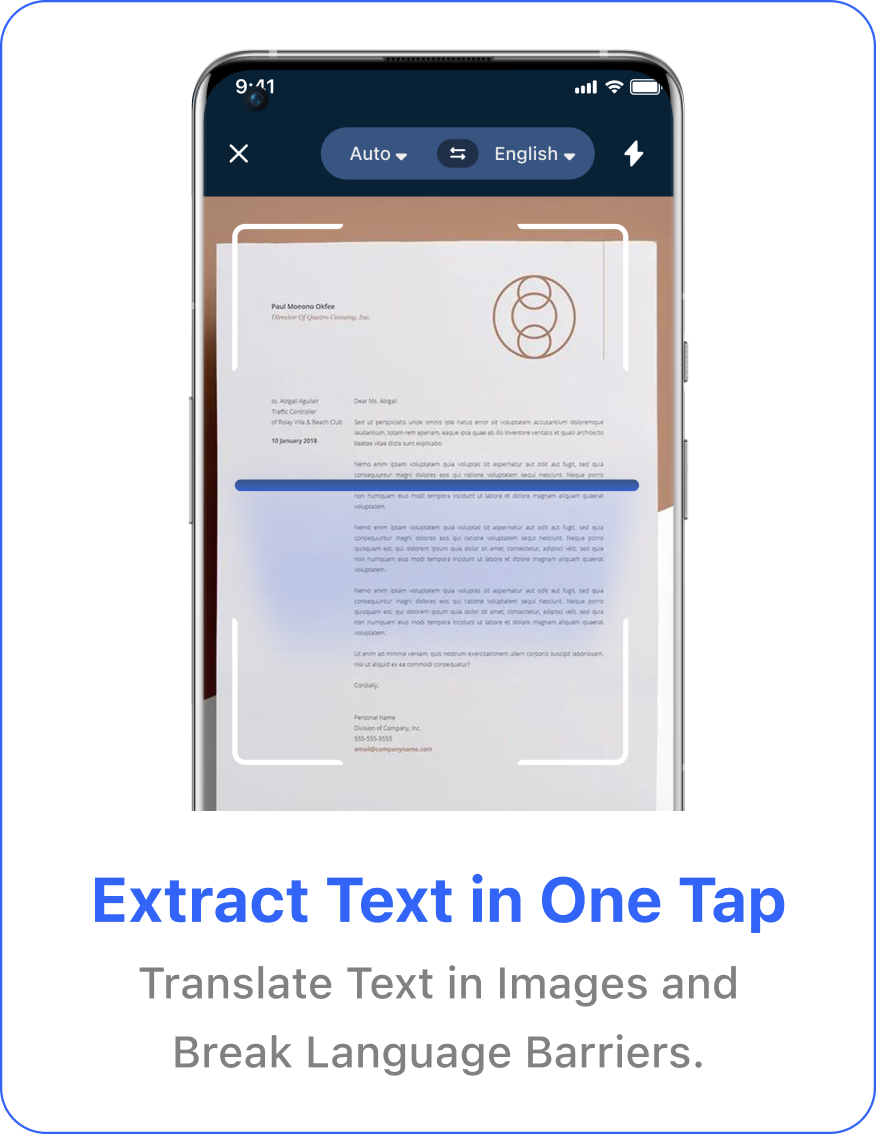
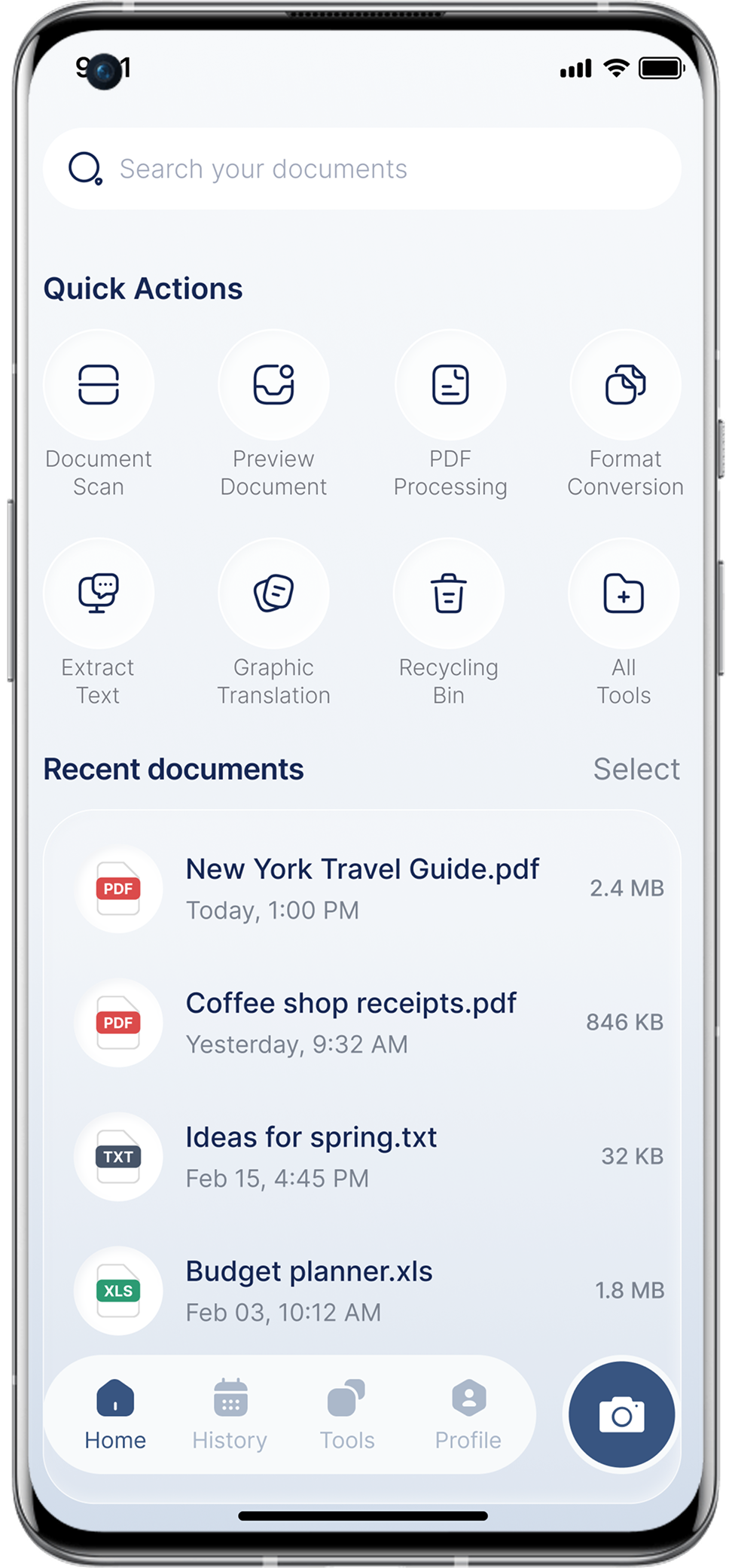
Keep essential document tools close at hand. Scan pages, preview files, process PDFs, convert formats, and extract or translate text from one clear workspace.
Download on the App Store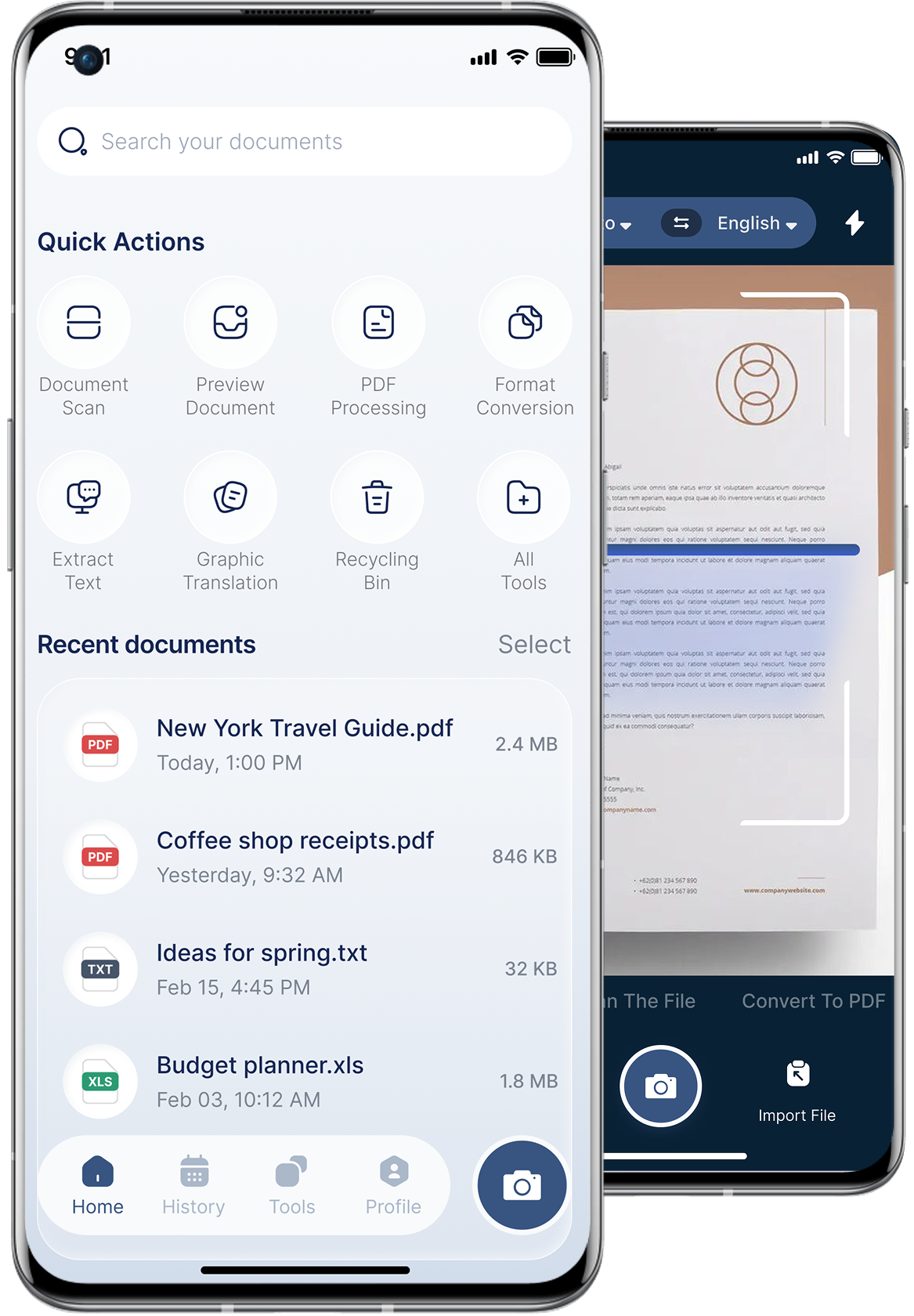
Document tools in one place
Move from paper to polished PDF with fewer steps.
Tap to preview
A practical workflow for everyday documents.
What is PDF AI Editor?
PDF AI Editor is an iOS document toolkit for scanning, previewing, processing, converting, extracting, and translating document content from one interface.
How do I install the app?
Use an App Store button on this website and follow Apple's standard installation flow.
Can I scan and import documents?
The app screens include document scanning, image import, file import, and document preview tools.
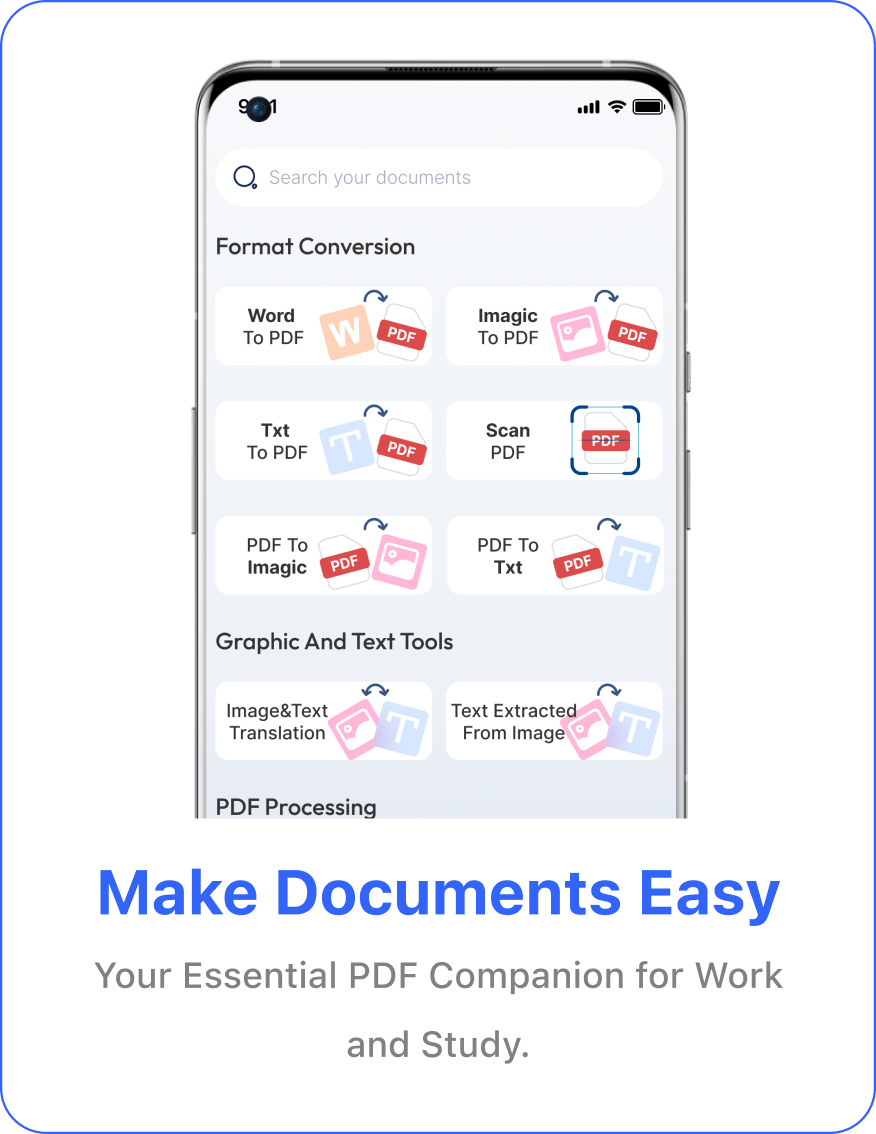
Which conversion tools are available?
The interface shows PDF conversion with Word, images, and text, plus PDF merge and split tools.
Where are imported documents stored?
According to the Privacy Policy, documents and photos you create or import are stored on your device and are not sent to a third party unless you choose to share, upload, or back them up.
Where can I read the Privacy Policy?
The complete policy is available on this website at Privacy_Policy.html.